
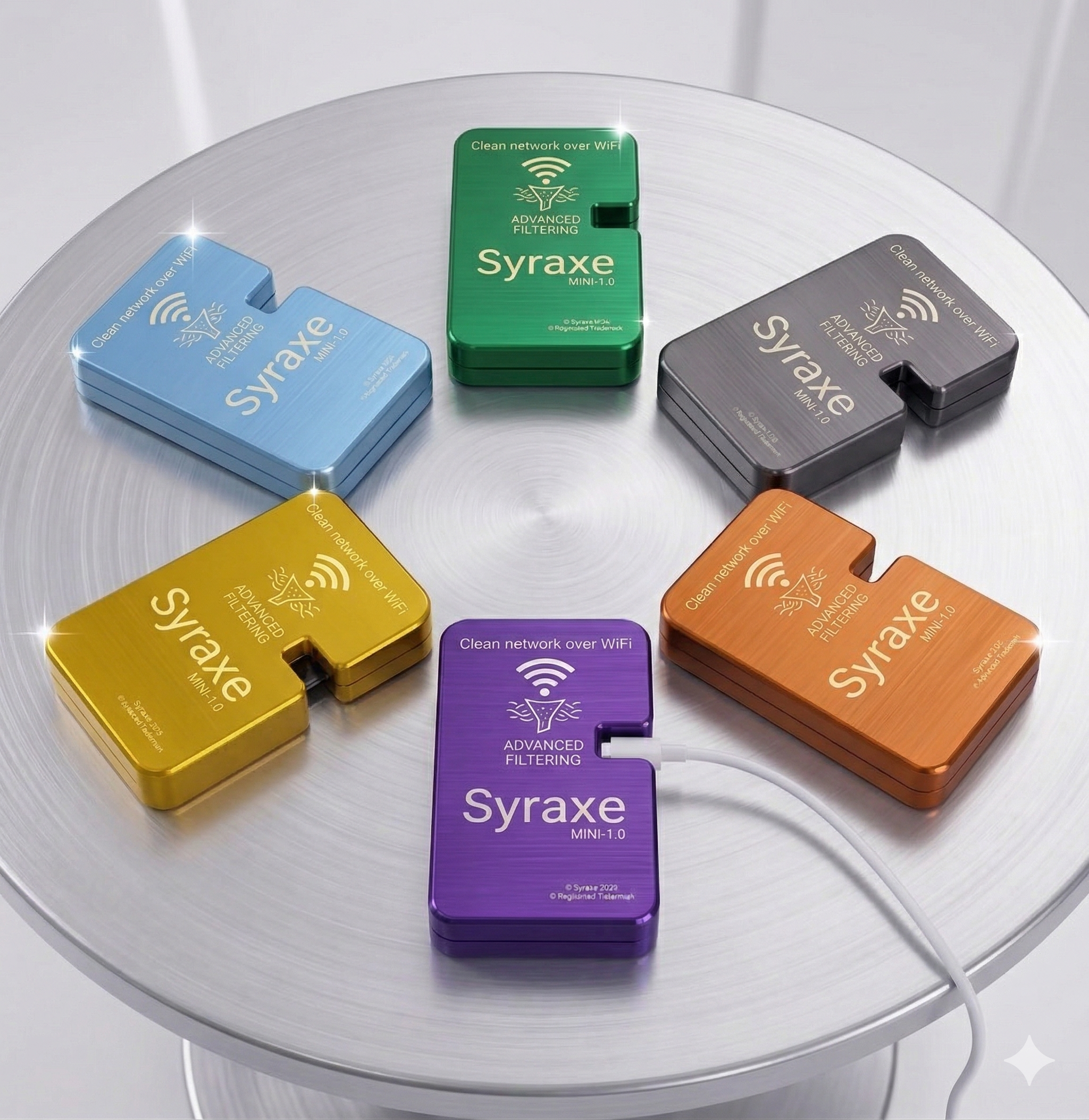
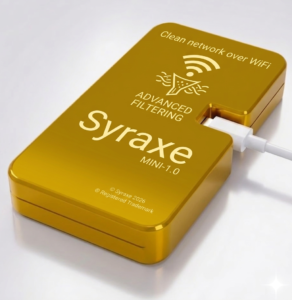
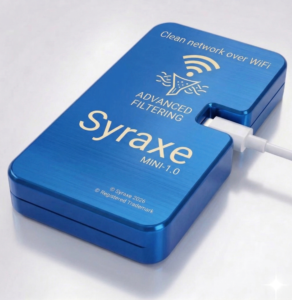
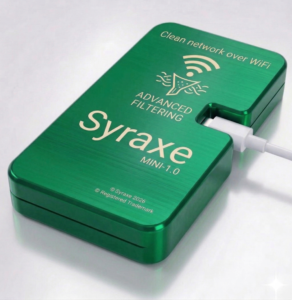
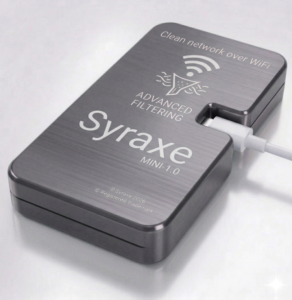
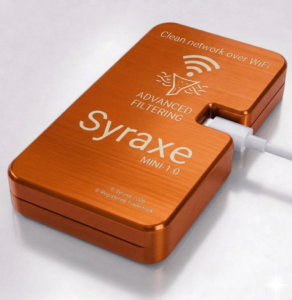
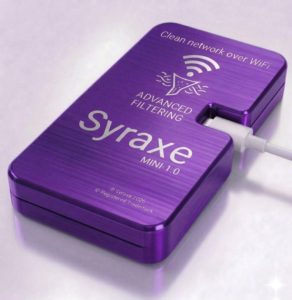
Specification
-
One router. Complete advertisement protection (upto 99%).
-
Say goodbye to annoying ads
-
On Phones, Laptop, Tablets and smart TVs.
-
No apps, No Plugin, No software.
-
Clean, Uninterrupted internet for your entire family.
-
Serves Clean internet up to 4 devices.
-
Works with 2.4GHz Networks.
-
Works with IPv4 networks.
How to use
First time setup/ New Network setup
-
Power on the device by connecting power supply on Micro USB connector.
-
See the LED Start glowing.
-
Once LED is blinking, Wait for 2 min.
-
Switch on 2.4Ghz WiFi Network on your Laptop/ Desktop/ Mobile phone.
-
Open WiFi connection list.
-
Look for Syraxe_mini_ABHS_XXXXXXXX (Eg. Syraxe_mini_ABHS_ab123456 ) from the available network list.
-
Connect to this wifi network by giving it default password given into your product usage guide.
-
Then open following web page – “http://10.0.0.1:8000” on your Laptop/ Desktop/ Mobile phone.
-
Use username and password given in your product usage guide to login into the page.
-
Go to WiFi connection tabs.
-
Click on search available WiFi Networks.
-
Select your home network.
-
Give password for your home network and click OK.
-
The Syraxe mini 1.0 will take 1min for setting up connection.
-
Once Connected, you can see the device status showing connected to your home WiFi network.
-
Now, you can logout from the webpage.
-
Now device is ready to serve Advertisement free internet to the connected devices.
Further Usage of device
-
Now, you can connect to default Syraxe_mini_ABHS_XXXXXXXX (Eg. Syraxe_mini_ABHS_ab123456 ) WiFi AP.
-
If needed, you can change default network name – Syraxe_mini_ABHS_XXXXXXXX from AP Config from user portal.